Browser Comparison
The browser versions I used for this assignment are as follows:
- Firefox: 78.3.0esr
- Chrome: 89.0.4389.114
- Explorer: 20H2 (OS Build 19042.867)
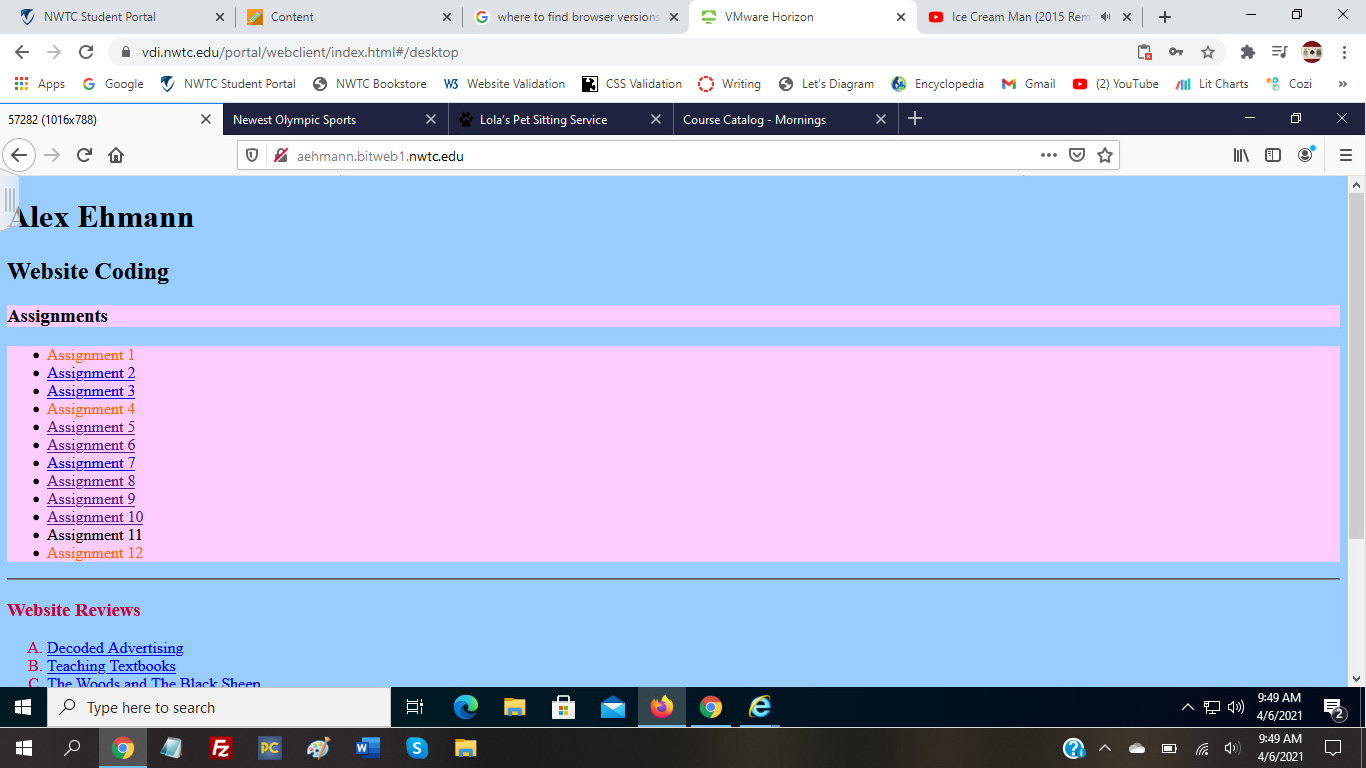
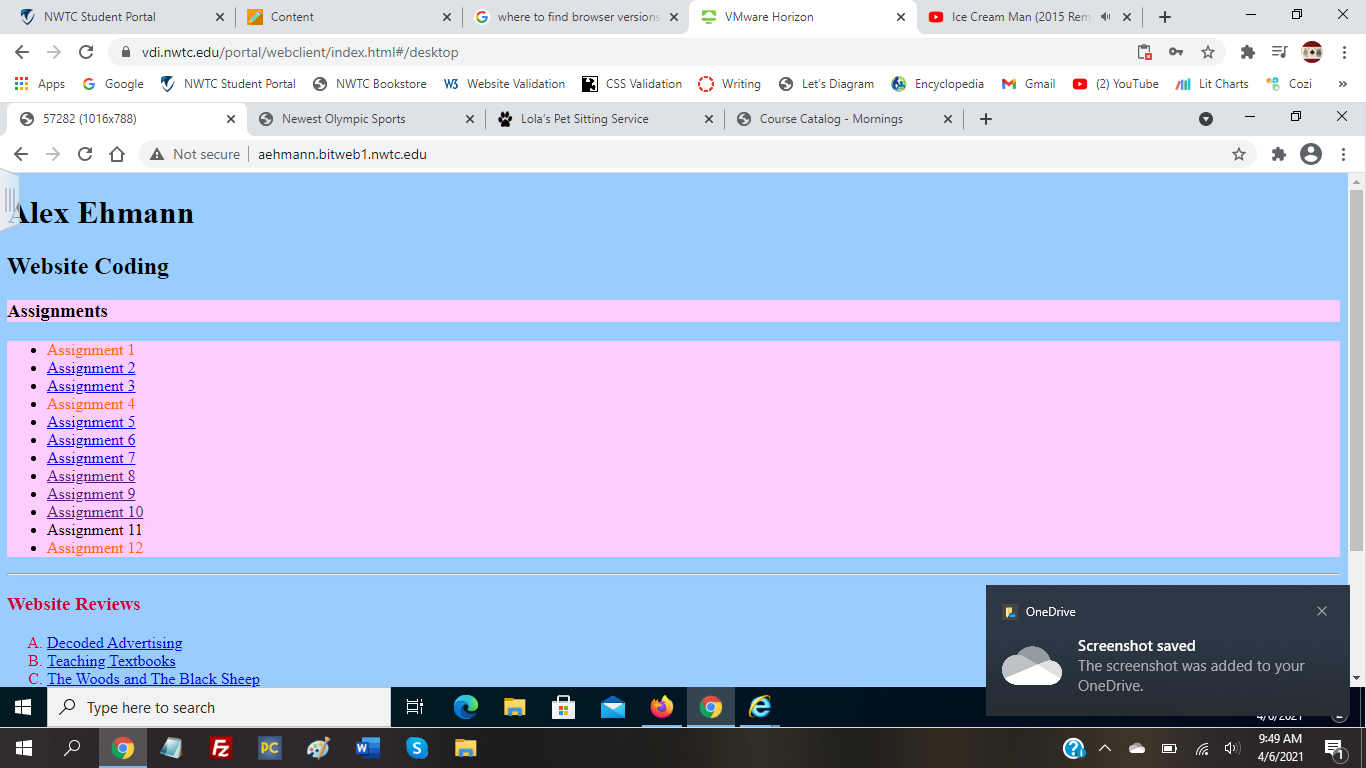
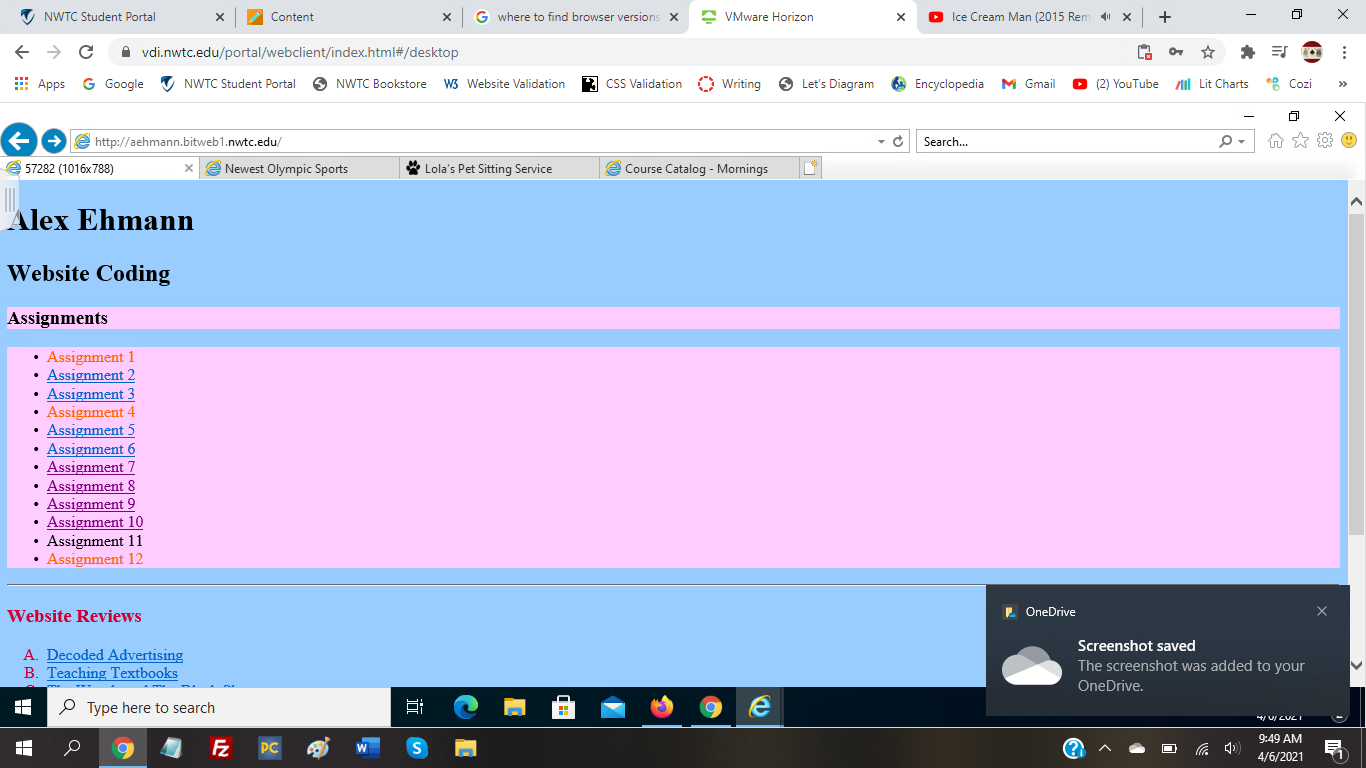
Also, all the browsers in the pictures will appear from left to right according to the order of the list.
Starting with my class home page, there are no differences besides a possible slight variation in the way the fonts appear, but this is the case for all the websites, and I think it is just because of the fact that they are different browsers.
Moving on to the course catalog, a bit suprisingly, there were no differences in this website. I do have a theory as to why which I will explain later.



A similar error occurred with both the pet sitting and the olympic sport pages where they were the same on Firefox and Chrome, but the indents were removed on Explorer. This does appear to be the only difference though.
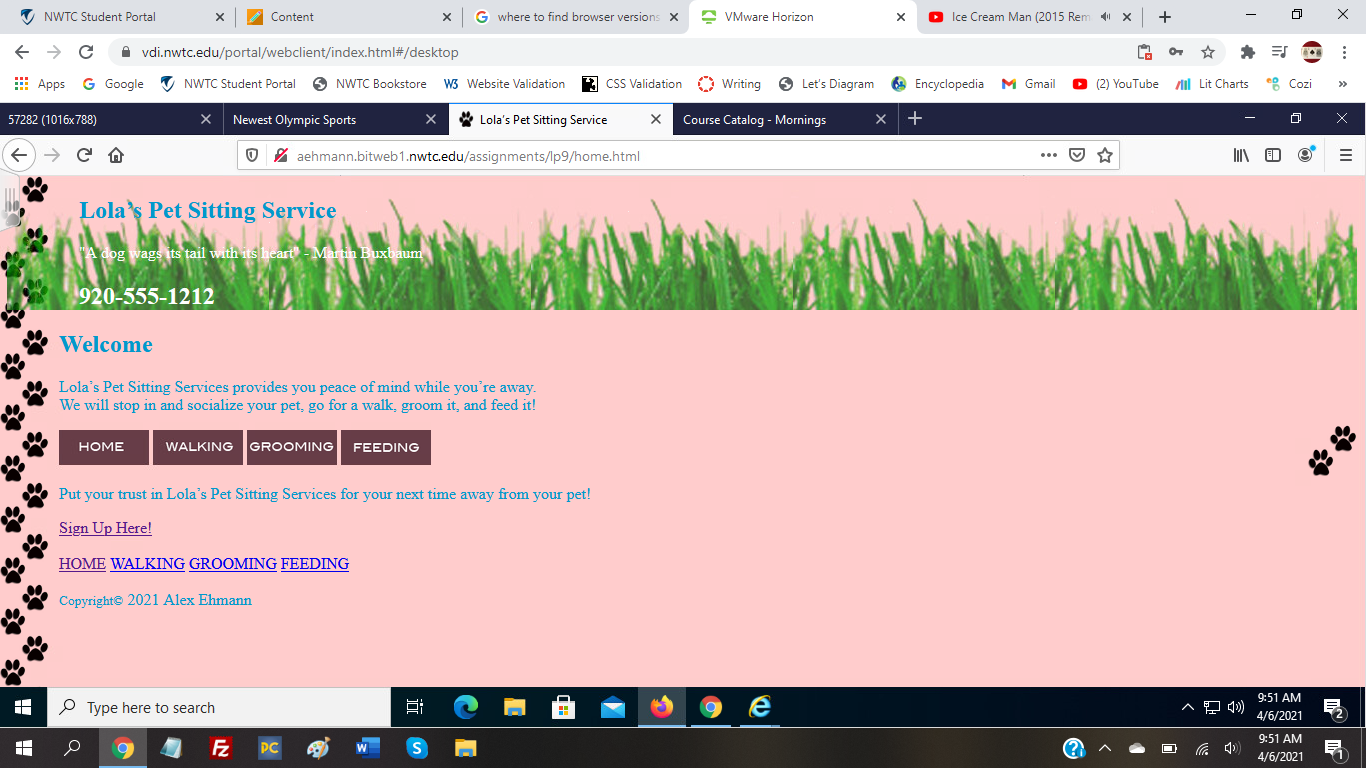
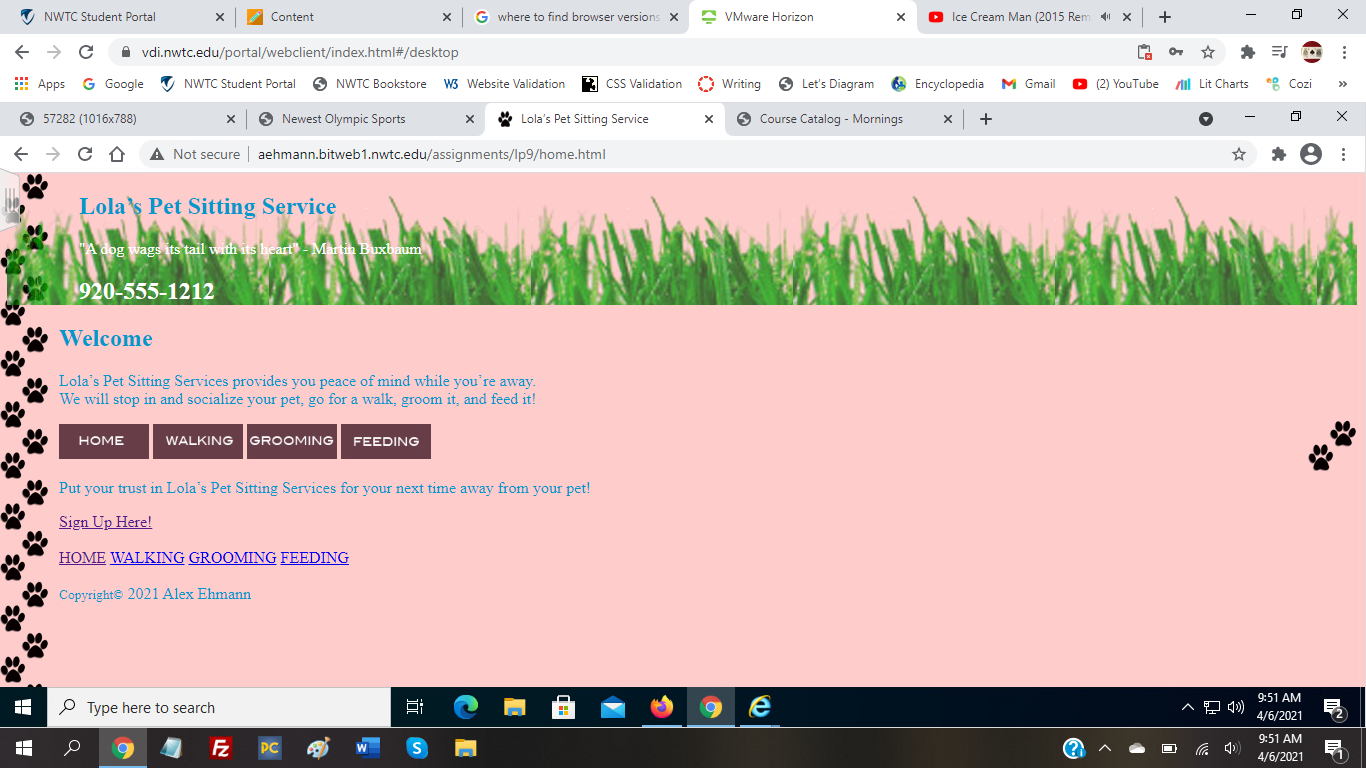
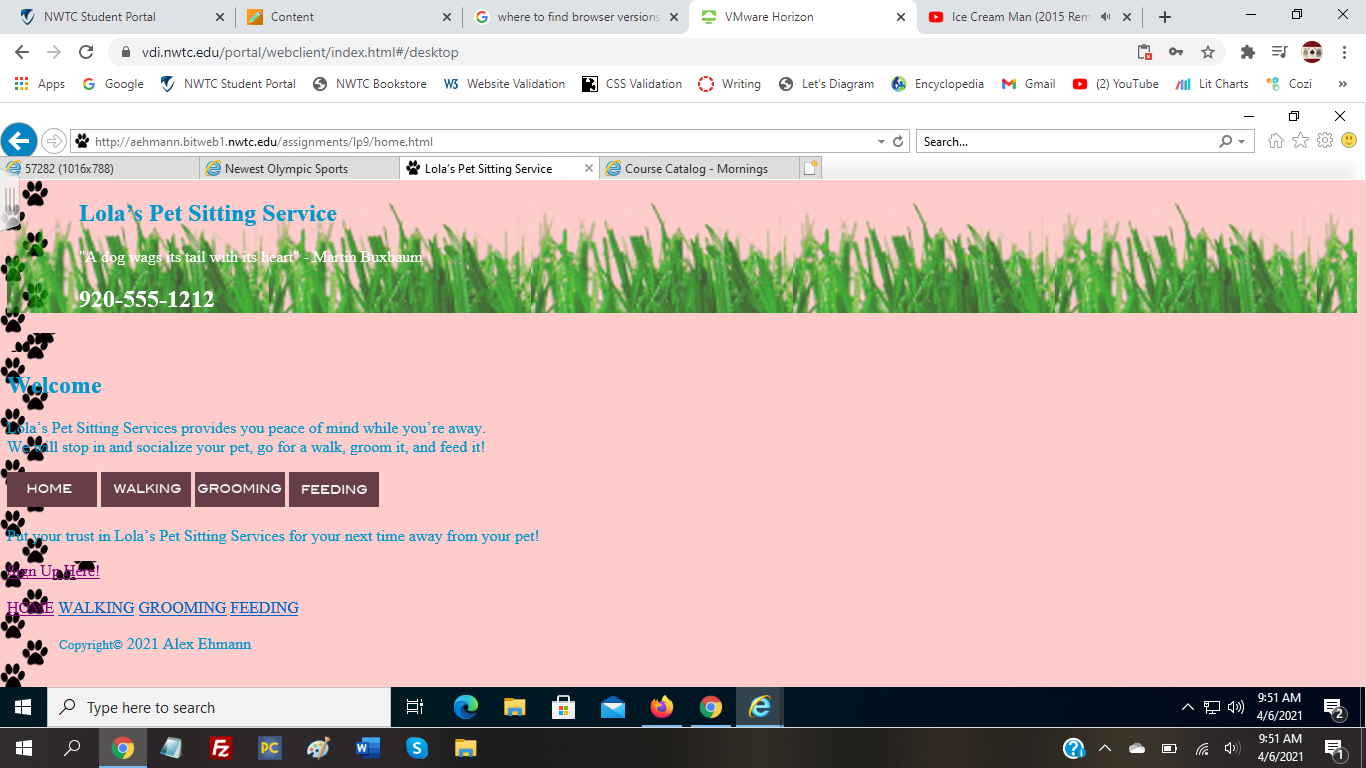
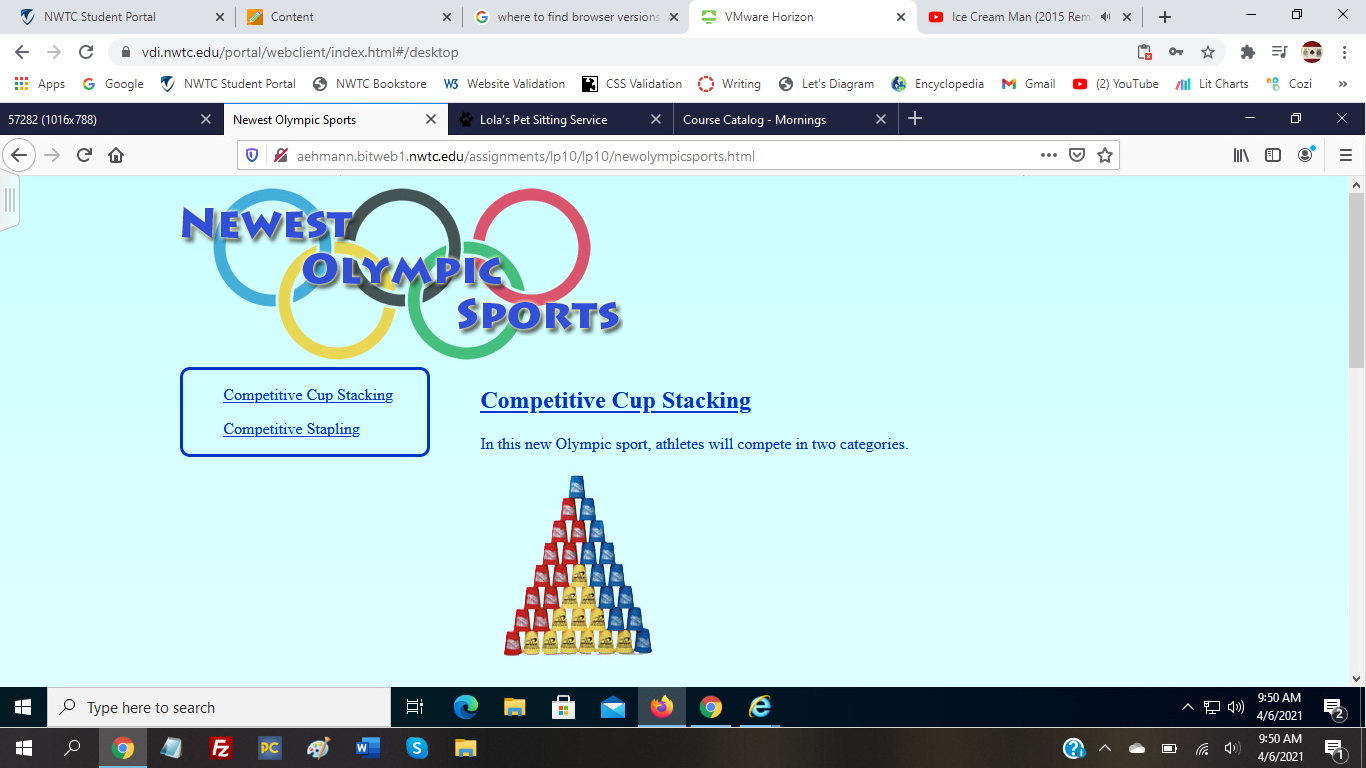
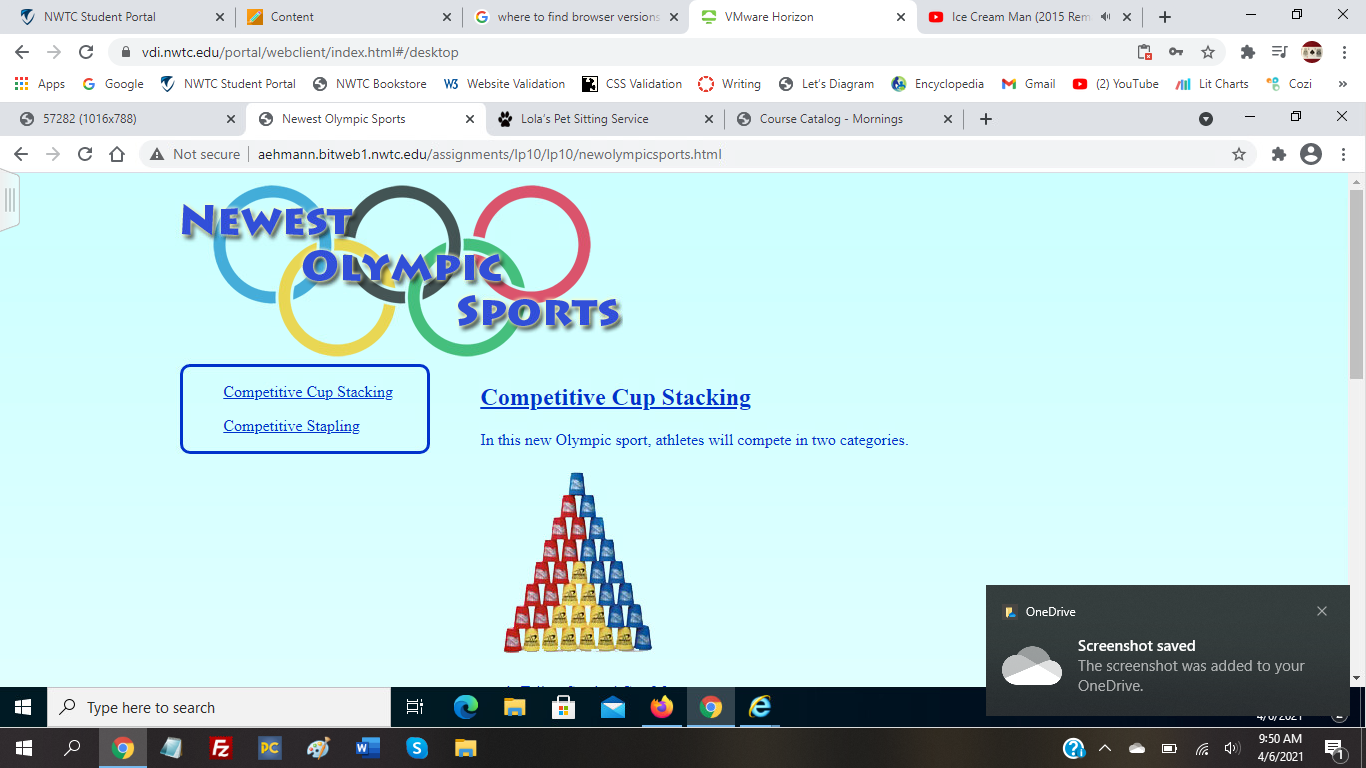
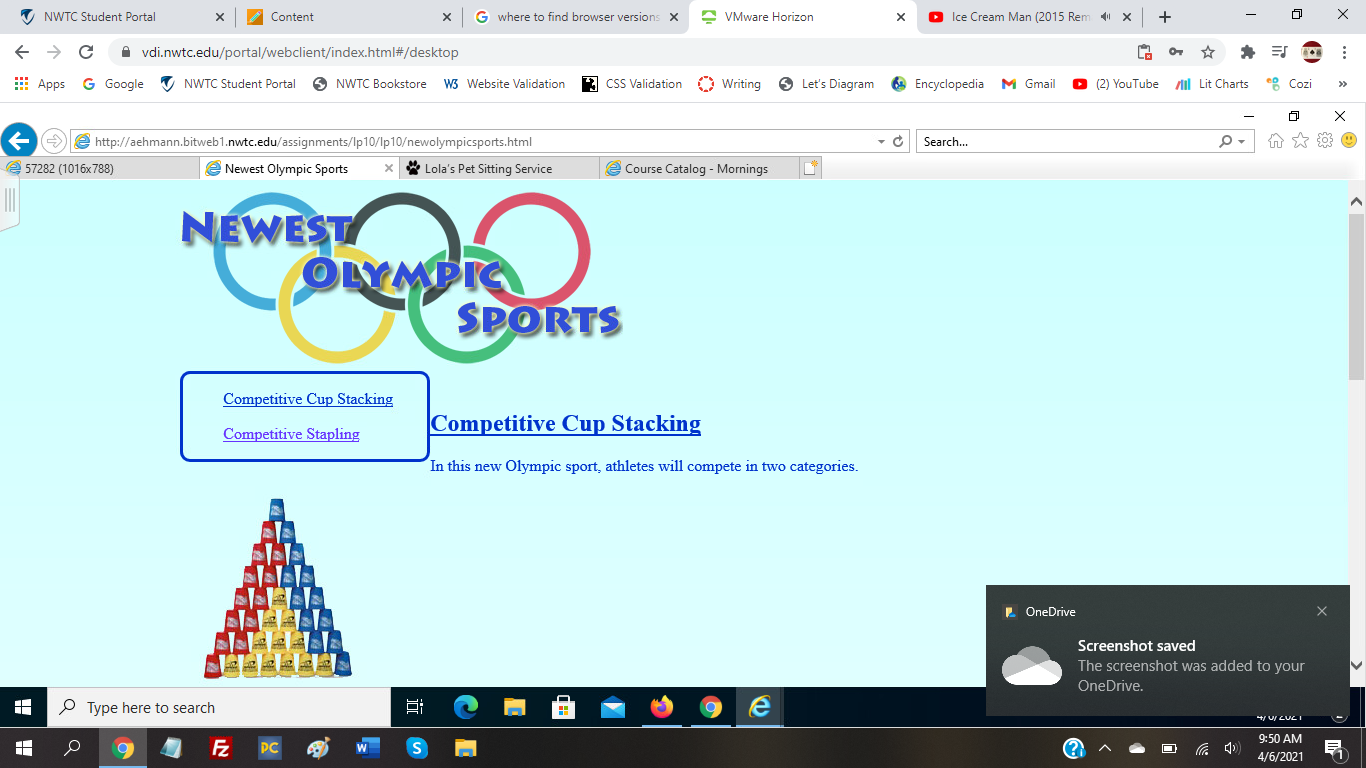
I think the home page stayed the same throughout since there is not much to that website, and there are no indents. However, the course catalog page does have indents, but I think they were not removed in Explorer since they are inside a div element, whereas the pet sitting and olympic sport websites do not contain their content within divs. I figure that the main part of Explorer does not support padding, but if it is within a div, then it is usable. Based on this, an easy fix I propose is to enclose the content of these two pages within divs even if the only reason would be for indenting the content. Another possible fix that I found on the internet would be to use CSS reset rules. Since each browser has its own CSS rules, these reset rules would set a baseline for how CSS works across browsers.